Understanding the Subscriber Life Cycle
📁 User Guides
🕐 Updated 1 month ago
 HyperPush X Docs
Master how HyperPush X tracks, manages, and optimizes subscriber push endpoints throughout their complete lifecycle—from initial permission prompt interaction to automated background pruning.
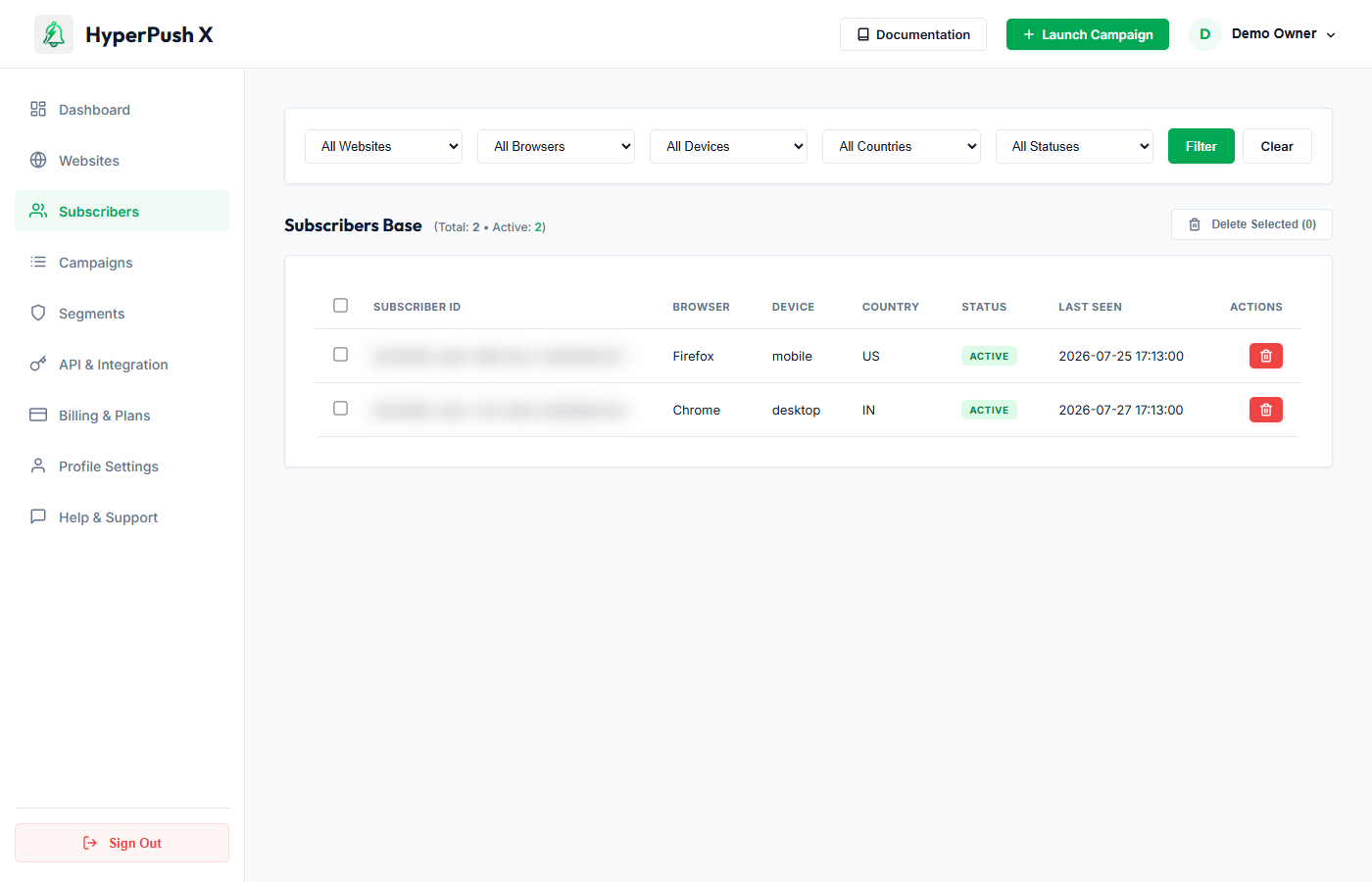
If your website is built on WordPress and using our dedicated HyperPush X Pro plugin, your subscribers synchronize automatically in real time with the central dashboard.
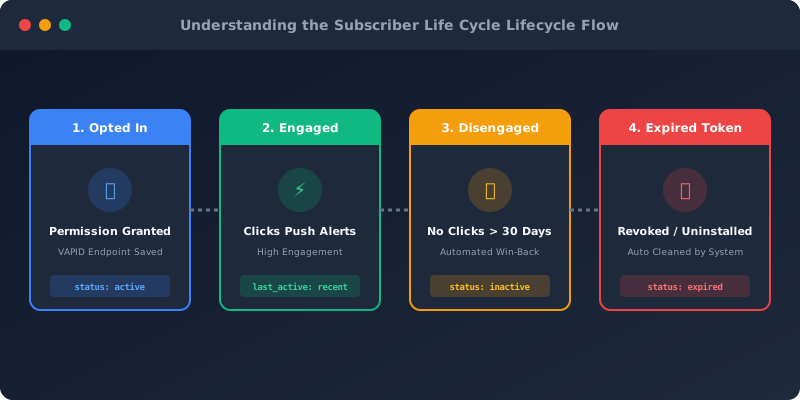
HyperPush X categorizes web push subscribers into 4 distinct lifecycle stages to ensure high deliverability and transparent campaign audience targeting:
| Lifecycle State | Description | System Status | Recommended Action |
|---|---|---|---|
| 1. Newly Subscribed | Permission granted via native browser prompt. Unique VAPID push token registered. | active |
Trigger automated 3-step Welcome Push Drip Sequence. |
| 2. Highly Engaged | Active visitor who frequently opens and clicks campaign push notifications. | active |
Include in VIP promotions & early-access product launch segments. |
| 3. Disengaged | Has not clicked a push notification or visited the site in 30+ days. | active / inactive |
Launch a 14-30 Day Win-Back Automated Re-engagement Push. |
| 4. Expired / Revoked | Browser push permission revoked, browser uninstalled, or device reset. | expired |
Cleaned automatically by system background queues (0 manual work needed). |
When a visitor lands on your website:
To maintain high click-through rates (CTR) and protect your sender reputation, HyperPush X runs continuous background health checks:
410 Gone error.expired and removes it from active broadcast target lists. Notification Inbox
3
Notification Inbox
3