Billing, Subscriptions & Account Upgrade Guide
📁 Compliance & Billing
🕐 Updated 53 minutes ago
 HyperPush X Docs
Manage your HyperPush X subscription plans, track subscriber quotas, and upgrade your account tiers with real-time automated PayPal recurring payments.
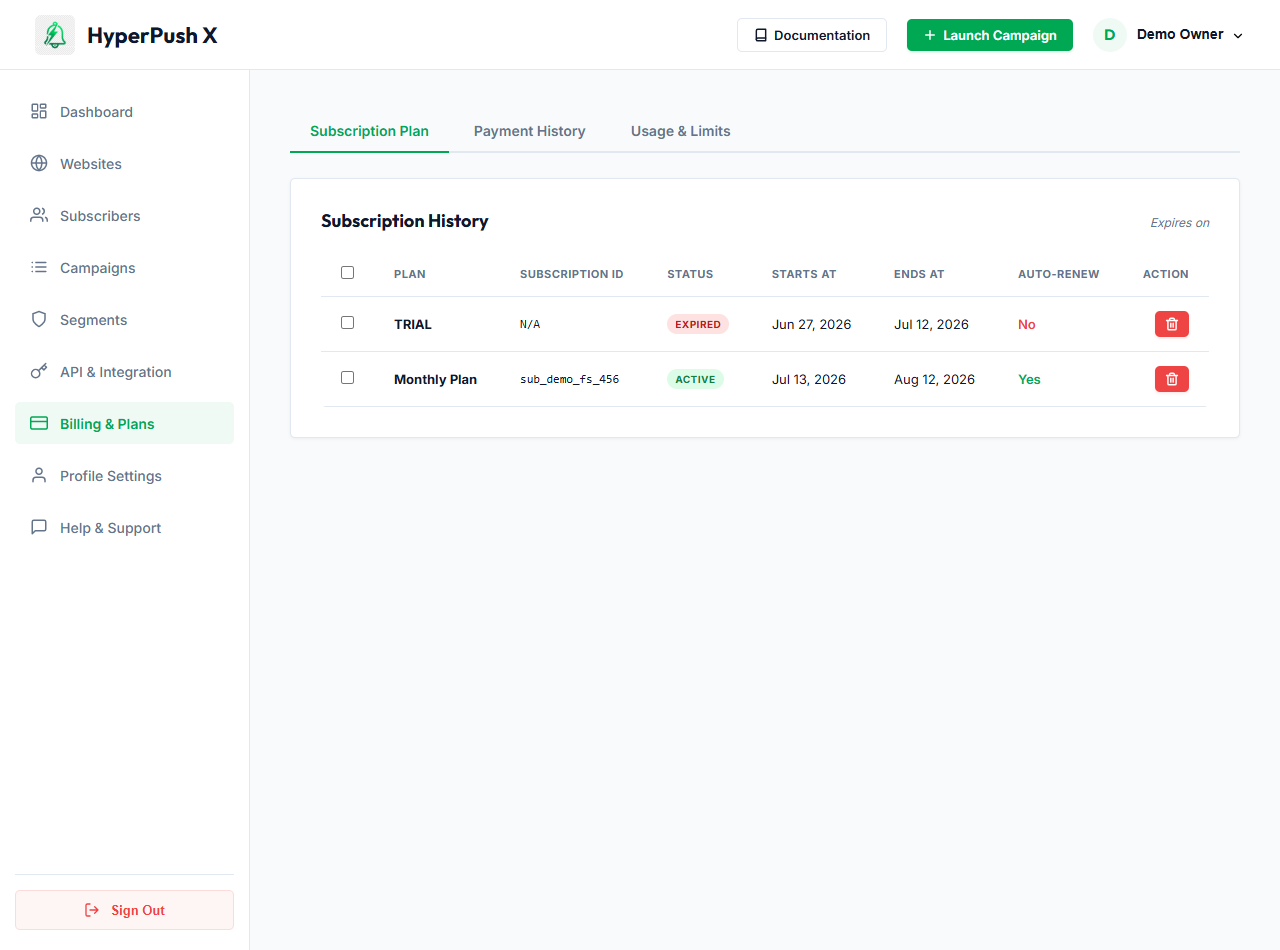
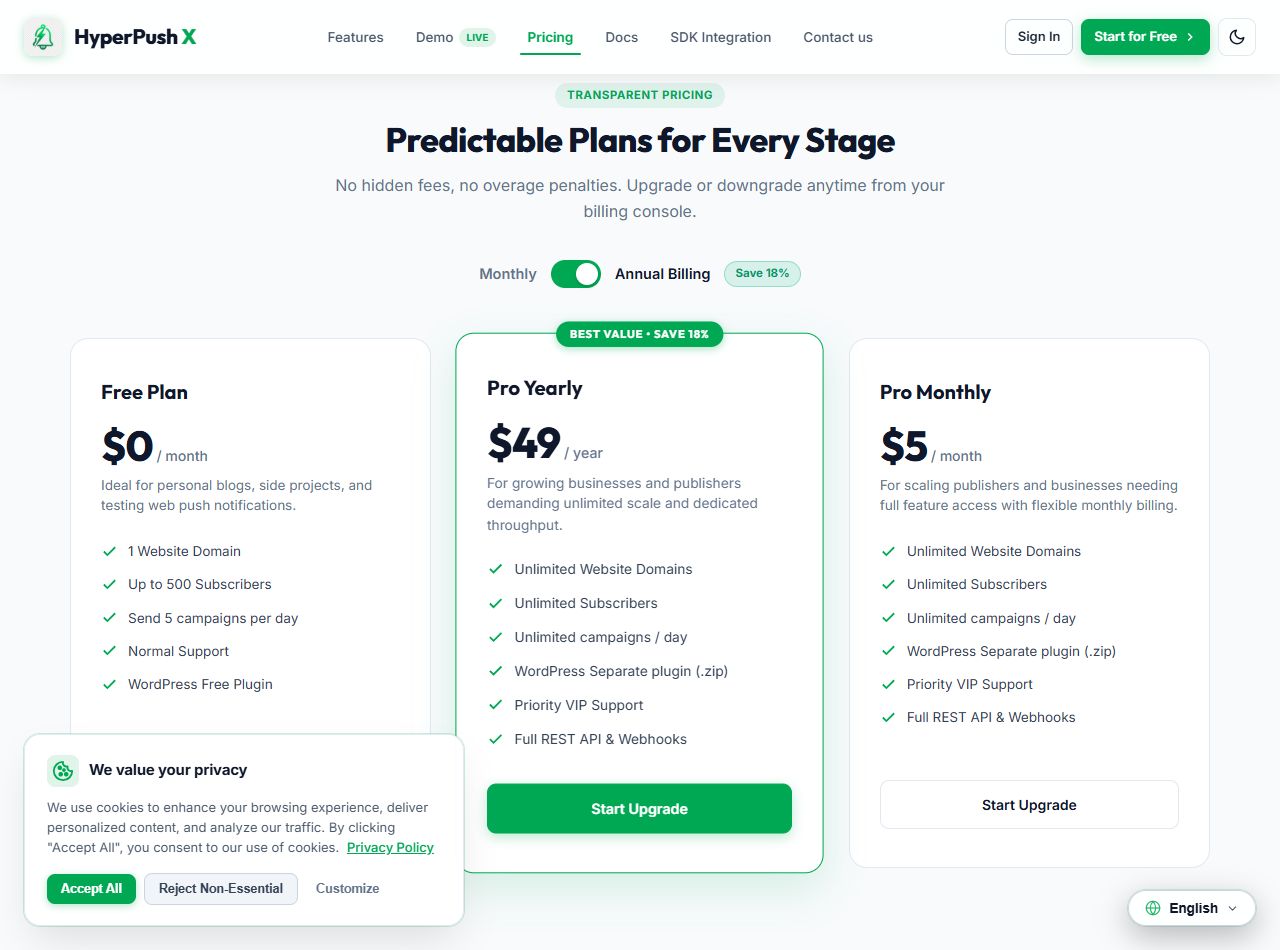
HyperPush X offers transparent, flexible pricing tiers tailored for growing blogs, WooCommerce stores, and enterprise applications:
| Feature | Free Plan | Pro Monthly | Pro Yearly ⭐ (Save 18%) |
|---|---|---|---|
| Price | $0 / month | $5 / month | $49 / year |
| Website Domains | 1 Domain | Unlimited | Unlimited |
| Subscribers Limit | Up to 500 Subscribers | Unlimited | Unlimited |
| Daily Push Campaigns | 5 Campaigns / day | Unlimited | Unlimited |
| WordPress Plugin | Included | Included | Included |
| REST API & Webhooks | Standard | Full Access | Full Access |
| Support Level | Community Support | Priority VIP Support | Priority VIP Support |